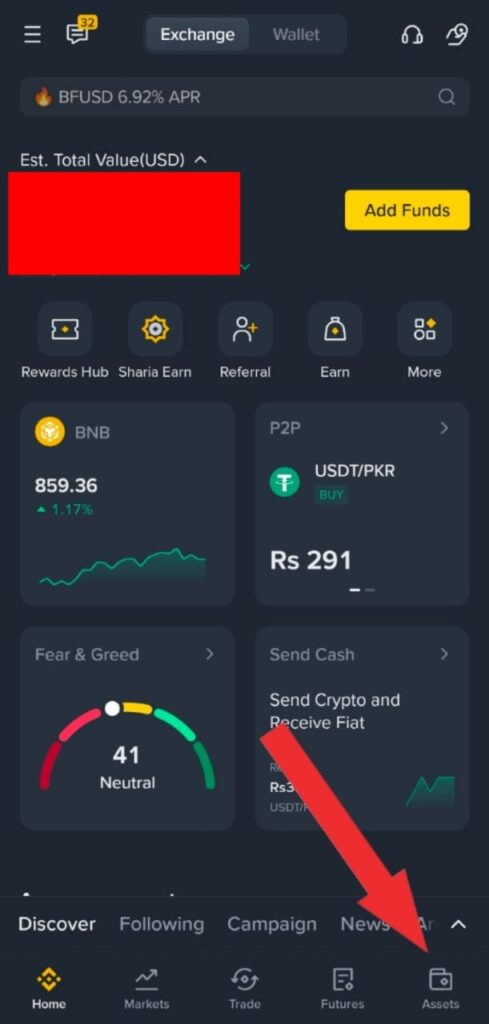
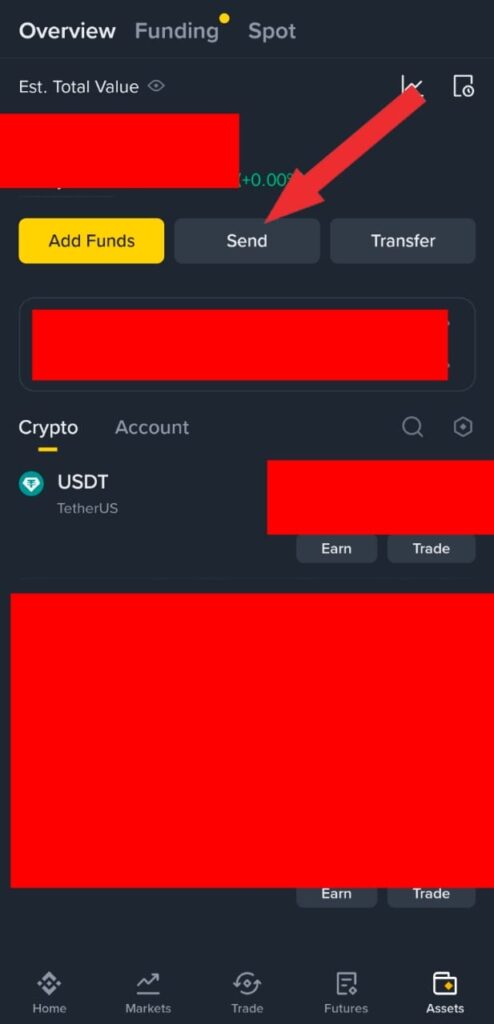
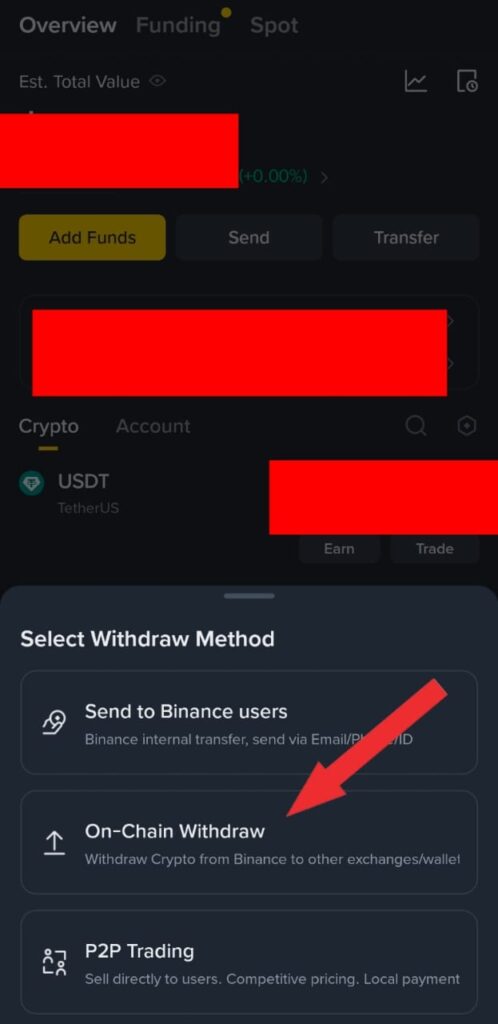
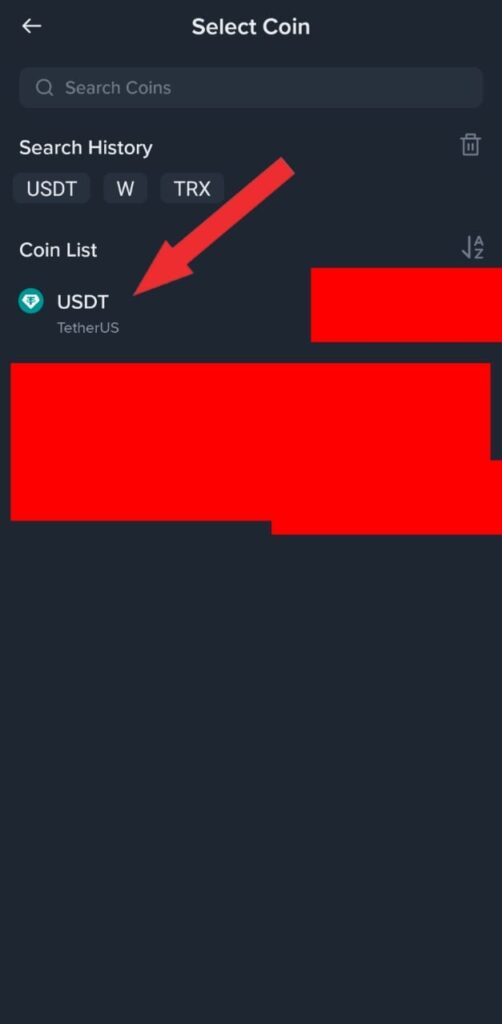
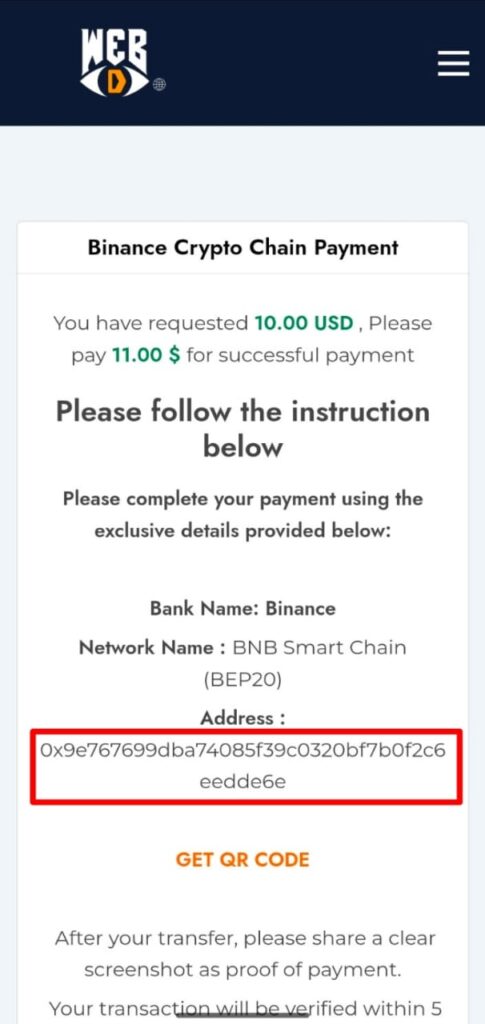
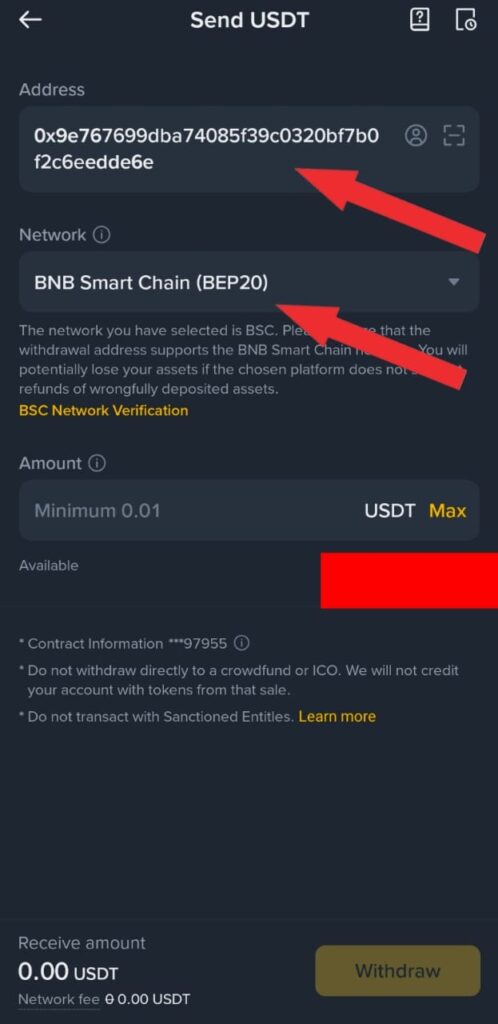
Paste Address and Select “BNB Smart Chain (BEP20) Network and enter your Amount
Final
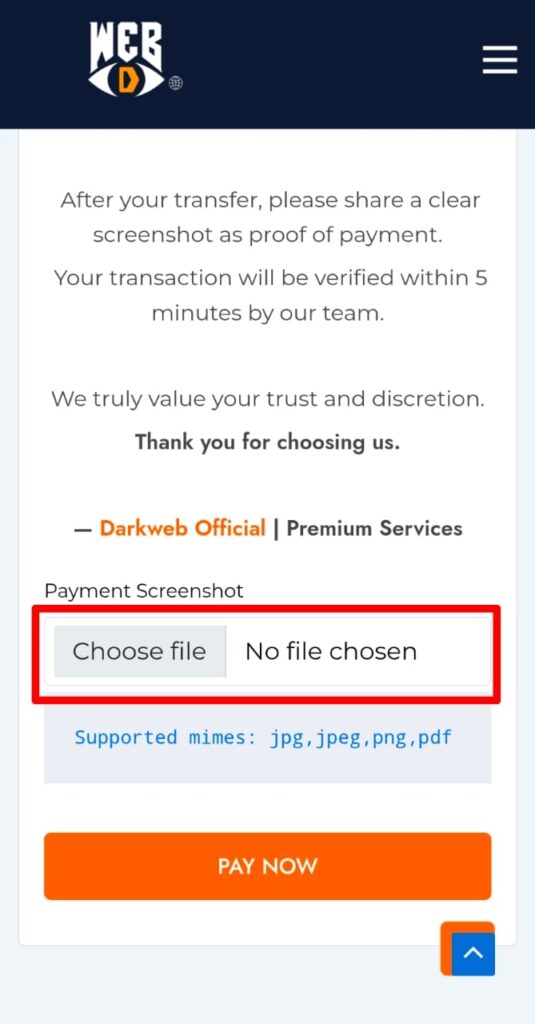
Take your Receipt Screenshot and Click on “Choose File” Select your payment Receipt Screenshot form your Gallery and click on “PAY NOW” button and Please wait 5 to 10 Mints.